


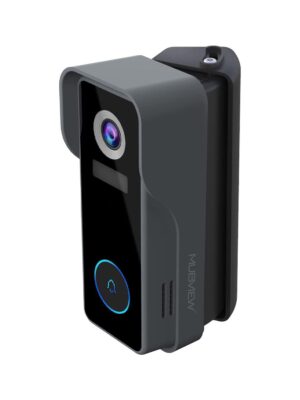
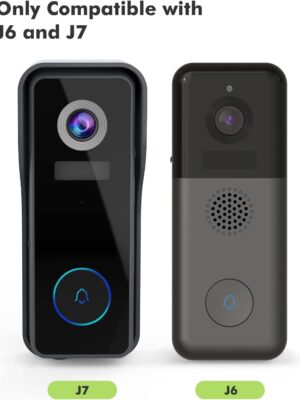
Wireless Video Doorbell Camera Chime MUBVIEW J7

Product details
- Notify you when someone rings our doorbell.
- Products a sound to alert you when someone is at the door
- Wireless design that can be easily installed in anywhere
- Powered by battery, don’t worry about the plugging
- Volume control and multiple chime sounds
How to connect the Chime?
1. Click the reset button
Click RESET on the chime, and the chime indicator on the left will flash red for 20 seconds, indicating that the chime is in pairing mode.
2.Press your doorbell to pair up
Press the doorbell button to send a pairing signal, and your chime will sound to react, together with its
blue LED flashing. Chime pairing succeeds.
How to set chime?
1. Chime settings
1) Ringtone selection
2) Click change ringtone (4 ringtones available)
3) Volume control button
① Level 1: 110 dB;
② Level 2: 100 dB;
③ Level 3: 90 dB;
④ Level 4: 80 dB
How to set up?
Click to enter/quit pairing mode;
Press & hold 5 seconds to restore factory defaults
Shipping and Returns
Shipping cost is based on weight. Just add products to your cart and use the Shipping Calculator to see the shipping price.
We want you to be 100% satisfied with your purchase. Items can be returned or exchanged within 30 days of delivery.
There are no question found.
Quick Comparison
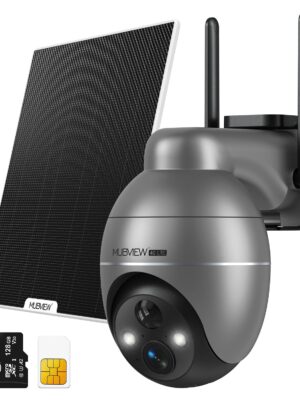
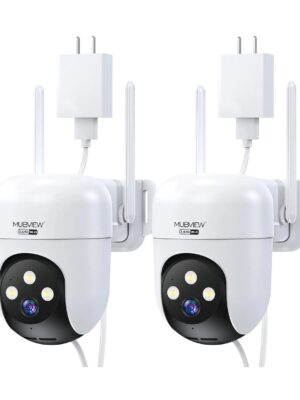
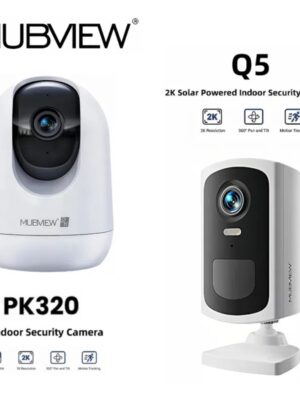
| Wireless Video Doorbell Camera Chime MUBVIEW J7 remove | 4G LTE Cellular Wireless PTZ Security Camera with Solar Panel & 128G Micro SD Card MUBVIEW G9 remove | 🔥Wired 5G/2.4G Dual Band 24/7 Recording Security Camera QB320 (2-Cam) remove | Q5 Wireless Security Camera + PK320 Wired PTZ Security Camera - MUBVIEW Camera Bundle remove | Doorbell Adjustable Bracket Angle Mount MUBVIEW J7/J9 remove | |||||||
|---|---|---|---|---|---|---|---|---|---|---|---|
| Name | Wireless Video Doorbell Camera Chime MUBVIEW J7 remove | 4G LTE Cellular Wireless PTZ Security Camera with Solar Panel & 128G Micro SD Card MUBVIEW G9 remove | 🔥Wired 5G/2.4G Dual Band 24/7 Recording Security Camera QB320 (2-Cam) remove | Q5 Wireless Security Camera + PK320 Wired PTZ Security Camera - MUBVIEW Camera Bundle remove | Doorbell Adjustable Bracket Angle Mount MUBVIEW J7/J9 remove | ||||||
| Image | |  |  | 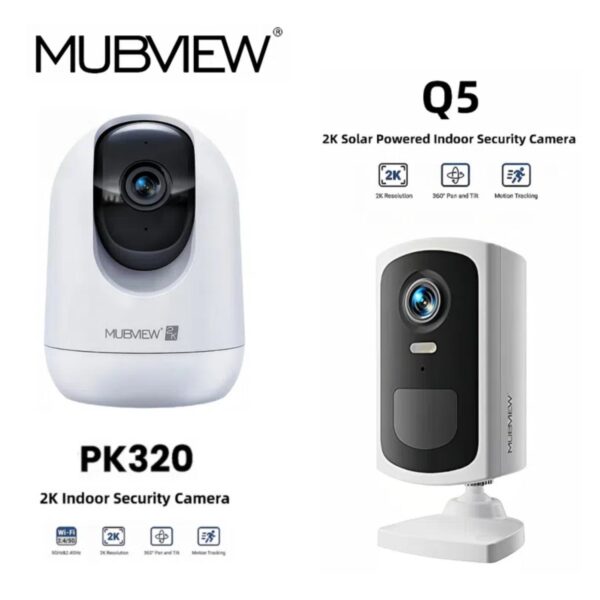 | 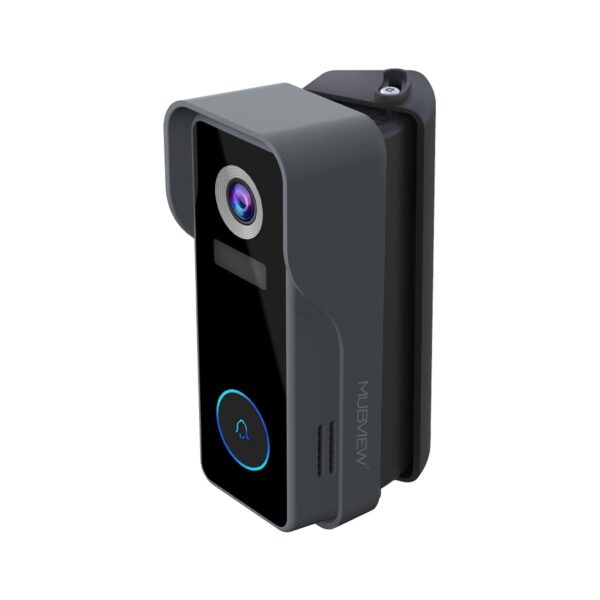 | ||||||
| SKU | J7-Chime | QB320-D | Q5+PK320 | J7-Bracket | |||||||
| Rating | |||||||||||
| Price | $18.99 | $84.99 – $229.47 Sale ! | Original price was: $99.98.$79.98Current price is: $79.98. Save 20% | Original price was: $104.99.$72.98Current price is: $72.98. Save 30% | $15.99 | ||||||
| Stock |
80 in stock
|
80 in stock
|
80 in stock
|
80 in stock
|
79 in stock
| ||||||
| Availability | 80 in stock | 80 in stock | 80 in stock | 80 in stock | 79 in stock | ||||||
| Add to cart |
Select options
This product has multiple variants. The options may be chosen on the product page
| ||||||||||
| Description | |||||||||||
| Content |
How to connect the Chime?1. Click the reset button Click RESET on the chime, and the chime indicator on the left will flash red for 20 seconds, indicating that the chime is in pairing mode. 2.Press your doorbell to pair up Press the doorbell button to send a pairing signal, and your chime will sound to react, together with its blue LED flashing. Chime pairing succeeds. How to set chime?1. Chime settings 1) Ringtone selection 2) Click change ringtone (4 ringtones available) 3) Volume control button ① Level 1: 110 dB; ② Level 2: 100 dB; ③ Level 3: 90 dB; ④ Level 4: 80 dB How to set up?Click to enter/quit pairing mode; Press & hold 5 seconds to restore factory defaults | 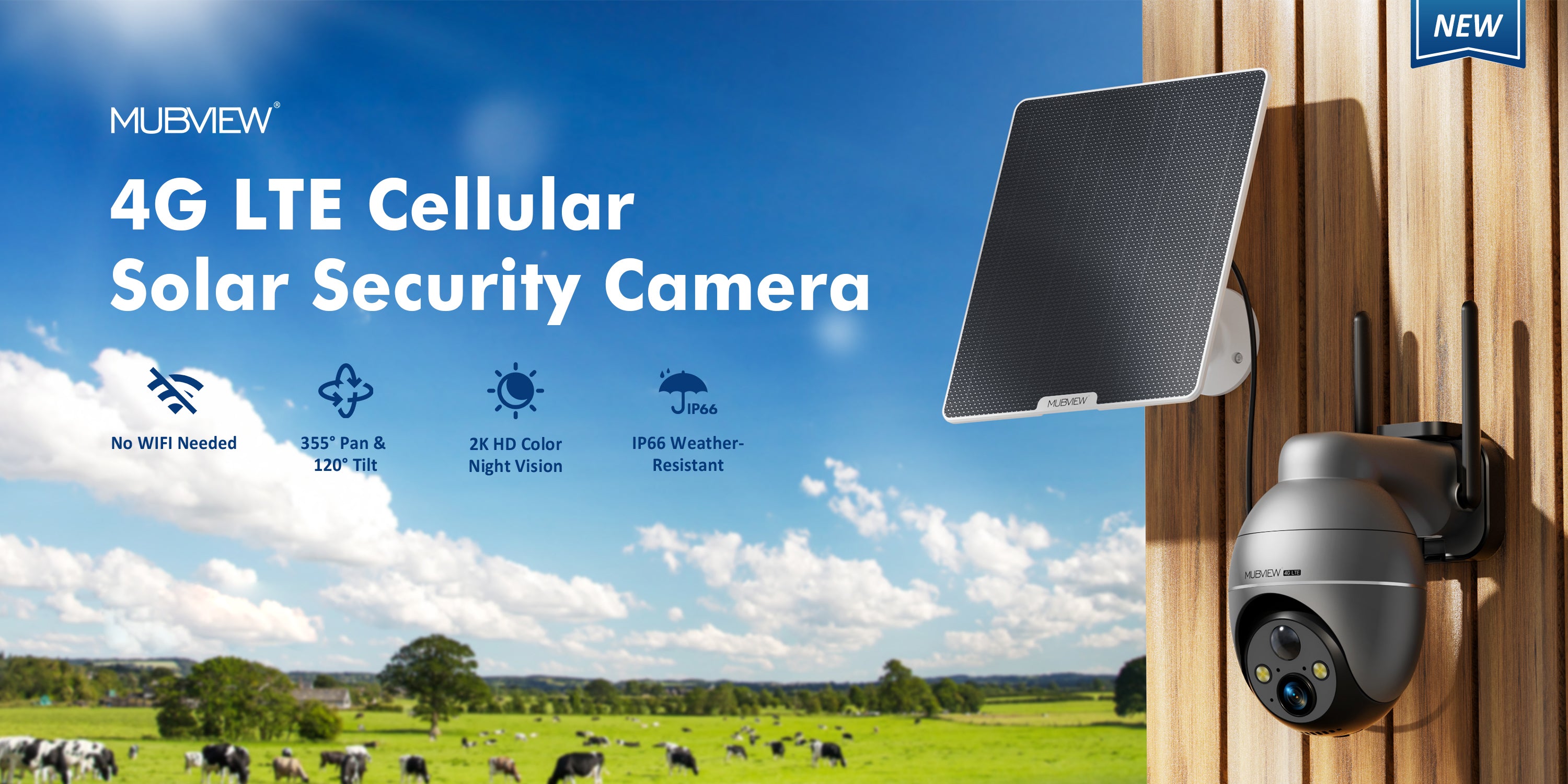 MUBVIEW 4G LTE Cellular Solar Security Camera Outdoor with 2K FHD
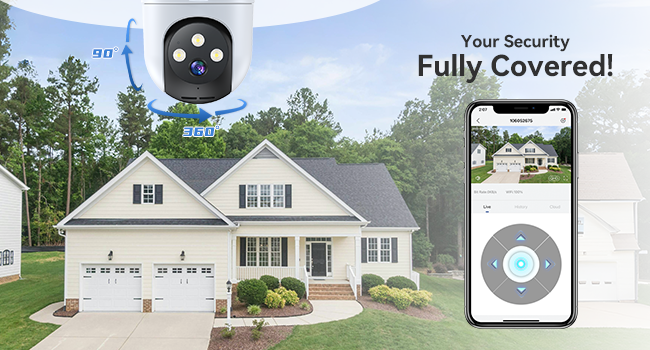
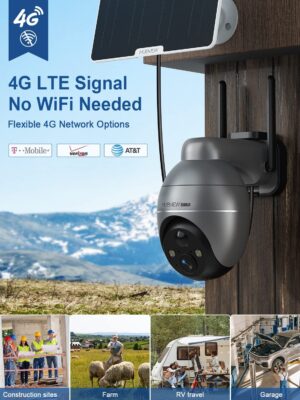
Suitable for Places Without Wifi Such as home, garage, barn, farm, forest, hunting, campers, construction site, workplace, etc. Pan & Tilt for 360° ViewFull Coverage with Pan & TiltEasily and remotely control the camera to pan & tilt for 360° overview, leaving no blind spots. |
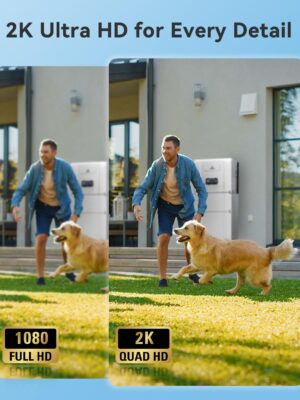
🔐 "Never Miss a Thing – Even in Total Darkness"Tired of blurry security footage that can’t catch details? The MUBVIEW 2K Outdoor Camera delivers 3MP ultra-HD clarity with 360° coverage, so you can spot faces, license plates, or package thieves—day or night. 🎯 Why Customers Love It: 📌 Key Features (Bullet Points for Scannability)✔ Crystal-Clear 2K Video – 3x sharper than 1080p
Automatically follows movement for complete coverage.Stay in control with intelligent auto-tracking that keeps intruders in focus.
Customize monitoring zones for precise protection.
Provide a peaceful home for your family.
💡 FAQQ: How is this better than wireless cameras? Q: Can I share access with family? Q: Is my data safe? |
|
| ||||||
| Weight | N/A | N/A | N/A | N/A | N/A | ||||||
| Dimensions | N/A | N/A | N/A | N/A | N/A | ||||||
| Additional information | |||||||||||
| Sold | 0 | 0 | 0 | 0 | 1 | ||||||
| Shipping |






Related products
Rating & Review
There are no reviews yet.